Caching in Laravel improves performance by storing data for quick access. The location depends on the cache driver you use. Here’s a quick guide:
-
File Cache: Default option, stored in
storage/framework/cache/data. - Database Cache: Stores data in a database table. Requires setup.
- Redis: Fast, in-memory storage for high-traffic apps.
- Memcached: Simple, fast, distributed key-value storage.
Key Takeaway: Use file caching for development, Redis or Memcached for production, and database caching for distributed systems.
Quick Comparison
| Driver | Storage Location | Speed | Best Use Case |
|---|---|---|---|
| File | storage/framework/cache/data |
Slow | Development, small apps |
| Database | Database table | Very Slow | Distributed apps |
| Redis | In-memory (RAM) | Very Fast | High-traffic, scalable systems |
| Memcached | In-memory (RAM) | Very Fast | Simple, fast, distributed caching |
Choose the right driver based on your app’s needs for speed, scalability, and storage type. Continue reading for setup details and driver-specific features.
Laravel Cache Storage Locations
Choosing the right storage location is key to achieving the performance and scalability outcomes discussed earlier. Let’s break down how Laravel handles cache storage and configuration.
Cache Configuration Settings
Laravel’s caching system starts with its configuration hierarchy. The main file to focus on is config/cache.php, which relies on environment variables to determine storage settings. The most important variable is CACHE_DRIVER, defined in your .env file:
CACHE_DRIVER=file
CACHE_PREFIX=myapp_cache_
These settings flow through config/cache.php, where driver-specific configurations are applied. Laravel uses the env() helper function to pull these values.
File Cache Storage
The file cache driver is Laravel’s default option. It stores cached data in the storage/framework/cache/data directory. Each cache item is saved as a separate encrypted file, with the filename based on the cache key. This method works well for development environments.
| File Cache Characteristics | Details |
|---|---|
| Storage Location | storage/framework/cache/data |
| File Format | Encrypted PHP serialized format |
| Performance | Moderate read, slow write |
Database Cache Storage
Using the database cache driver involves storing cached data in a dedicated table within your application’s database. Each cache entry includes:
- key: A unique identifier for the cached item.
- value: Serialized data for the cache entry.
- expiration: A timestamp indicating when the cache expires.
To set up database caching:
- Run the cache table migration.
-
Update your
.envfile with the following:
CACHE_DRIVER=database
While not as fast as in-memory solutions, database caching can be a good fit when your app is distributed across multiple databases [3]. This approach pairs well with memory-based systems, which we’ll explore next.
Memory-Based Cache Storage
Memory-based cache storage delivers faster performance than file or database caching by keeping data in RAM. Here’s a closer look at the two main memory-based cache options in Laravel: Redis and Memcached.
Redis Storage System

Redis is an in-memory data store that handles advanced caching needs with its wide range of data structures and optional persistence features.
To set up Redis in Laravel, use the following configuration:
// .env
CACHE_DRIVER=redis
REDIS_HOST=127.0.0.1
REDIS_PORT=6379
Redis stands out for its:
| Feature | Description |
|---|---|
| Data Structures | Supports various types |
| Persistence | Option to store data on disk |
| Operations | Executes commands atomically |
Memcached Storage System
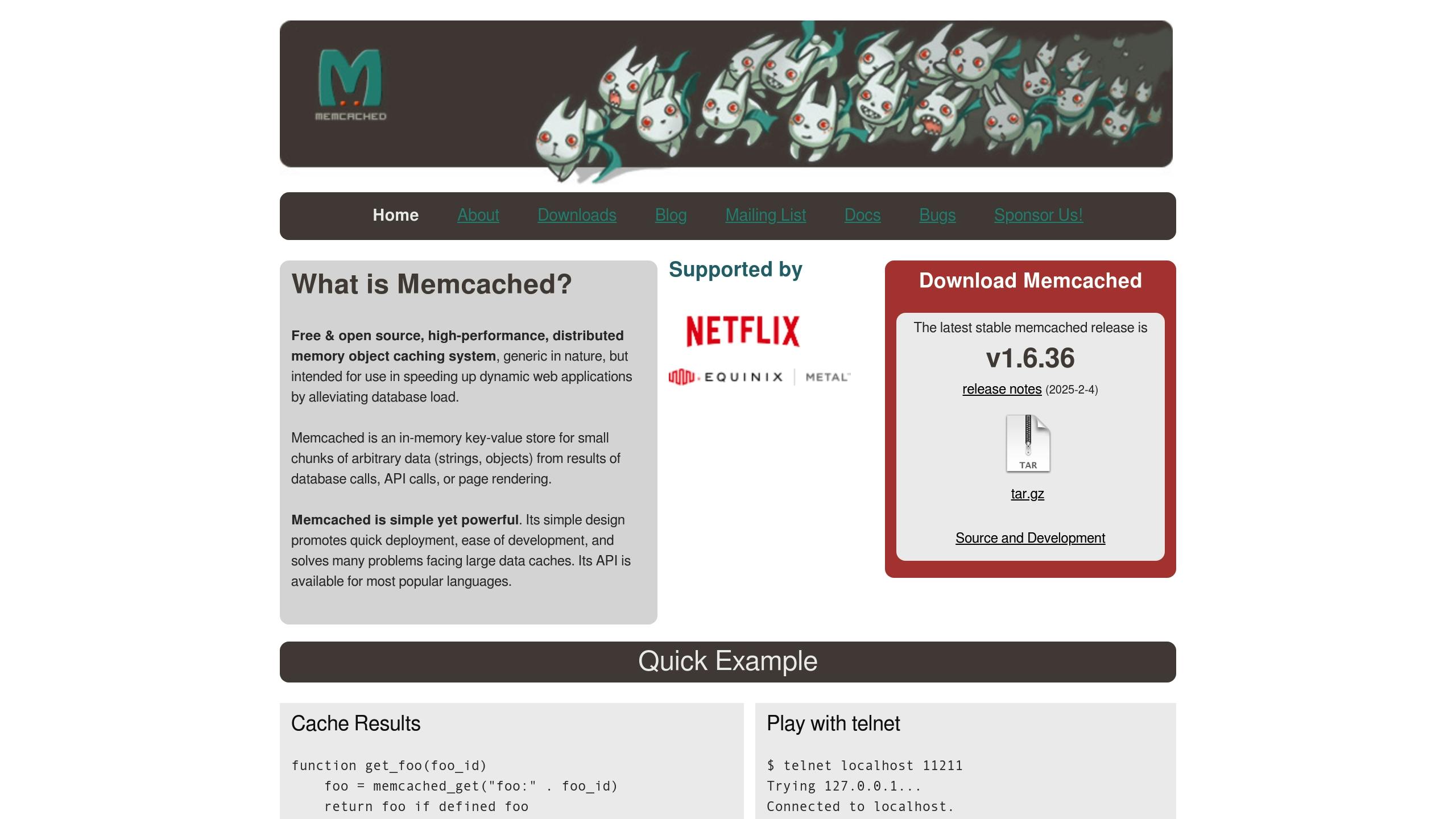
Memcached is a distributed key-value store designed for speed. Its simplicity makes it ideal for basic caching tasks where performance is the priority.
To configure Memcached in Laravel, use this setup:
// .env
CACHE_DRIVER=memcached
MEMCACHED_HOST=127.0.0.1
MEMCACHED_PORT=11211
Each system has its strengths. Redis is better suited for applications requiring advanced data structures or persistence, while Memcached is perfect for straightforward, high-speed caching with minimal complexity. Their performance differences will be covered in the upcoming speed comparison section.
sbb-itb-f1cefd0
Cache Driver Speed Comparison
Let’s dive into the performance differences among various cache drivers based on their storage methods:
| Driver | Speed | Persistence |
|---|---|---|
| Redis | Very Fast | Configurable |
| Memcached | Very Fast | No |
| File | Slow | Yes |
| MySQL | Very Slow | Yes |
| SQLite | Extremely Slow | Yes |
Key Takeaways
- Drivers that store data in memory (like Redis and Memcached) are 2-10x faster than those relying on disk storage. Memcached slightly outperforms Redis in write operations, but both are far superior to database-based caching, which slows down significantly as data grows.
- The choice between RAM and disk for storage plays a huge role in speed differences. This was evident in a case study where switching from file-based caching to Redis resulted in a 70% boost in application responsiveness.
These findings highlight why Redis is often the go-to recommendation for production environments in Laravel, as discussed in the framework basics section.
Summary
When deciding on the best cache driver for your application, it all comes down to your specific requirements. Here’s a quick breakdown:
Choosing the Right Cache Driver
Key factors to consider:
| Driver | Best Use | Speed |
|---|---|---|
| Redis | High-traffic apps, distributed systems | Extremely fast |
| Memcached | Session storage, simple key-value data | Extremely fast |
| File | Development, small-scale applications | 5-10x slower than Redis |
| Database | Apps using existing database systems | Slower than in-memory options |
Redis is often the go-to choice for Laravel in production environments. It offers exceptional speed and supports more complex data structures [4].
Keep in mind that storage type (RAM vs disk) plays a major role in performance. Memory-based options like Redis and Memcached consistently outperform disk-based solutions. Redis, in particular, shines in scenarios with heavy read operations.
FAQs
Here are answers to some common questions about managing cache storage:
Where is PHP cache stored?
In Laravel, the default file cache saves items as encrypted files in the storage/framework/cache/data directory. The filenames are based on the cache keys. If you’re using other cache drivers, the data will be stored according to their specific methods.
How do you find the storage path in Laravel?
Laravel provides the storage_path() helper to retrieve filesystem paths. Here’s how you can use it:
// Path to the cache directory
$cachePath = storage_path('framework/cache');

// Path to a specific file in storage
$filePath = storage_path('app/file.txt');
For drivers like Redis or Memcached, storage paths are determined by the server configurations set in config/cache.php.