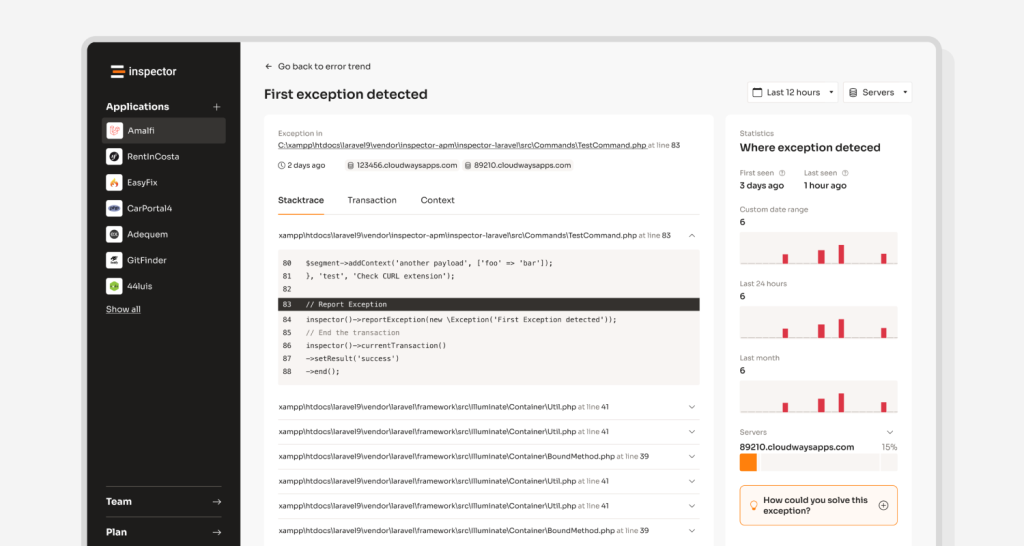


I use this technique to group the bug fixes array by date in the Inspector dashboard, and I thought it could be a good code snippet idea for others. I also wrote an implementation for Laravel blade templates and a more detailed implementation that supports filtering.
I decided to implement this code because it makes a list of items so easy to scroll based on their history.
Group array by date in pure PHP
This implementation uses the array_reduce function. It allows to progressively create a new array where each date becomes a key, with the corresponding element as its value.
$data = [
    ['date' => '2023-06-01', 'value' => 10],
    ['date' => '2023-06-02', 'value' => 20],
    ['date' => '2023-06-01', 'value' => 30],
    ['date' => '2023-06-03', 'value' => 40],
    ['date' => '2023-06-02', 'value' => 50],
];

$groupedData = array_reduce($data, function ($result, $item) {
    $date = new DateTime($item['date']);
    $formattedDate = $date->format('Y-m-d');

    if (!isset($result[$formattedDate])) {
        $result[$formattedDate] = [];
    }

    $result[$formattedDate][] = $item;

    return $result;
}, []); // <-- Start with an empty array
Thanks to the DateTime object and the format method you can customize the grouping logic by month, or year, by simply changing the format string: ‘Y-m’ for month, or ‘Y’ for year.
Filtering and grouping
You can also introduce a filter function to filter the elements before grouping them by the date field.
$groupedData = array_reduce(array_filter($data, function ($item) use ($filter) {
		// Filter condition: keep elements with value greater than 20
		return $item['value'] > $filter;
	}),
	function ($result, $item) {
		$date = new DateTime($item['date']);
		$formattedDate = $date->format('Y-m-d');

		if (!isset($result[$formattedDate])) {
			$result[$formattedDate] = [];
		}

		$result[$formattedDate][] = $item;

		return $result;
	}, []);
Inside the callback function of array_filter(), we specify the filter condition. In this example, we keep only the elements where the ‘value’ field is greater than $filter. You can modify this condition based on your specific use case.
Showing results in the UI with Laravel blade
Obviously you can take inspiration and use the same strategy in your specific technology (like Symfony + Twig, or similar).
To keep the data manipulation statements separated from the view I keep the filtering and grouping process at the controller level, and I implement only the data structure iteration on the template side.
Here is the Controller:
<?php

namespace App\Http;


use Illuminate\Http\Request;


class DashboardController extends Controller
{
    /**
     * The dashboard.
     *
     * @param ImpersonatesUsers $impersonator
     * @return \Illuminate\Contracts\View\Factory|\Illuminate\View\View
     */
    public function index(Request $request)
    {
		$data = $this->getData();

		$data = array_reduce(array_filter($data, function ($item) use ($filter) {
			// Filter condition: keep elements with value greater than 20
			return $item['value'] > $filter;
		}),
		function ($result, $item) {
			$date = new DateTime($item['date']);
			$formattedDate = $date->format('Y-m-d');

			if (!isset($result[$formattedDate])) {
				$result[$formattedDate] = [];
			}

			$result[$formattedDate][] = $item;

			return $result;
		}, []);

        return view('dashboard', compact('data'));
    }
}
And here is the blade view:
<ul>
    @foreach ($groupedData as $date => $items)
        <li>
            <strong>{{ $date }}</strong>
            <ul>
                @foreach ($items as $item)
                    <li>Value: {{ $item['value'] }}</li>
                @endforeach
            </ul>
        </li>
    @endforeach
</ul>
Group a Laravel Collection by date
Thanks to the builtin utilities provided by the Laravel Collection class it’s really straightforward:
$groupedData = collect($data)->groupBy(function ($item) {
    return Carbon::parse($item->date)->format('Y-m-d');
});
You can follow me on Linkedin or X. I post about building my SaaS business.
Monitor your application for free
Inspector is a Code Execution Monitoring tool specifically designed for software developers. You don’t need to install anything in the infrastructure, just install the composer package and you are ready to go.
Unlike other complex, all-in-one platforms, Inspector is super easy, and PHP friendly. You can try our Laravel or Symfony package.
If you are looking for effective automation, deep insights, and the ability to forward alerts and notifications into your messaging environment try Inspector for free. Register your account.
Or learn more on the website: https://inspector.dev