

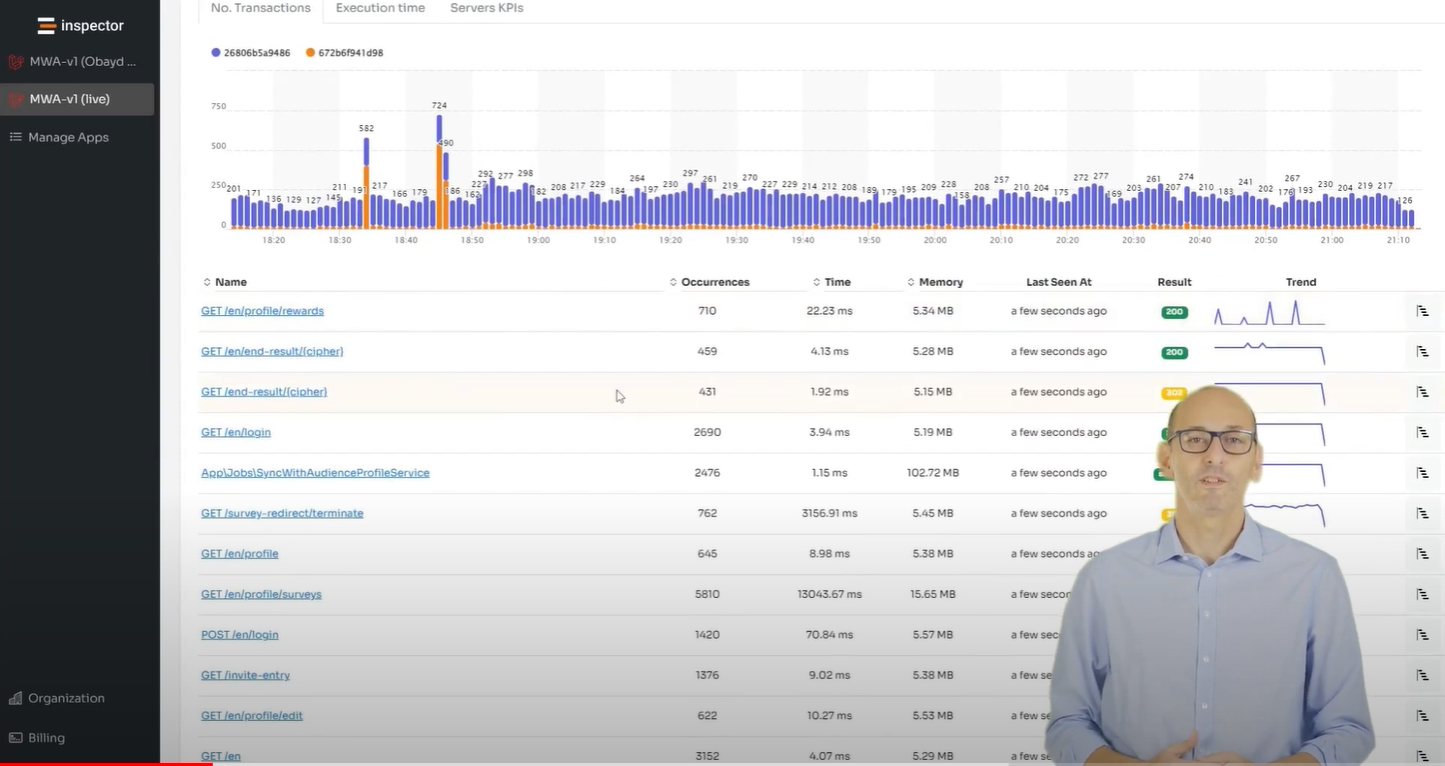
In this video I will unveil the power of monitoring solutions for software developers. You will learn how to leverage automation to solve critical issues and avoid negative effects on the customer experience.
You’ll learn how to streamline your projects, reduce costs, and eliminate frustration with tailored monitoring solutions for developers.
View the full video: https://www.youtube.com/watch?v=u8Lp-Se9Kpo
Monitoring is a crap!
This is the statement that probably represents what the majority of developers think when it comes to monitoring.
Such things are too complicated, it could take a lot of time to learn the technologies involved, or the infrastructure, who knows how much it costs, or maybe you’re thinking “it’s only for large corporations”.
At the end of the day we’re used to looking at the logs and we’re fine with that.
Despite the doubts, software development teams are continually plagued by a whole series of problems that monitoring solutions are designed to solve.
Very often developers are inundated with new activities, they are understaffed, projects continually have problematic releases, and emergencies drive the course of your work week by week.
With this course I want to help other developers understand how monitoring solutions can help to fix critical issues that they know they have, but which they do not know are Strictly Related to a lack of monitoring.
You will find new ways to reduce time and costs of software development cycles, and at the same time eliminate moments of frustration for yourself and your collaborators.
Developers spend 50% of their time fixing errors, or refactoring old code
This is the result of an analysis conducted by Business Wire, a company focused on IT consultancy and market research. And we found the same result in other research like Stack Overflow Annual Developer Survey.
Developers spend way, way too much time fixing existing code, and not enough time developing new parts of the application, new features, or maybe brand new projects.
Software development should allow for innovation, industry disruption, digital transformation, and positive outcomes for businesses and society. But it can also leave developers stuck in the weeds.
Software Development Can Be An Unpleasant Activity
Manual Processes Make Fixing Bugs Time Consuming and Developer Work Unpleasant. This is a major struggle for developers, as reflected by these statistics.
In fact, nearly two-thirds of all developers said they would rather do an unpleasant activity than working on refactoring or bug fix. More than a fourth (26%) said they would rather pay bills. More than a fifth (21%) said they would prefer going to the dentist.
Even more problematic is the fact that developers said that fixing code takes time away from more important work. That is, writing it.
This is a real trap for your career, and more generally for the operating margins of the entire company.
This perspective also NEVER enters into a project plan. No project manager takes into consideration that the project will face these problems, because it would be like admitting that you don’t have what it takes to make the job.
The Impact of Monitoring Solutions on Customers
Despite all the time developers spend to fix code, errors and bugs still go undetected. Unfortunately, users often find these issues before developers and their employers do.
The problem is too often misunderstood. Managers think that you need more developers on the job, while the real problem hides behind a precarious developer experience.
A Bad System Will Beat Good Developers Every Time
The beginning of a software development project is always filled with good intentions. But to keep things under control, and avoid complexity to slow down growth, you must constantly update processes and tools.
New to Inspector? Try it for free now
Are you responsible for application development in your company? Monitor your software products with Inspector for free. You can find out bugs and bottlenecks in your code automatically, before your customers stumble onto the problem.
Inspector is usable by developers of all skills level. If you want effective automation, deep insights, and the ability to forward alerts and notifications into your messaging environment try Inspector for free. Register your account.
Or learn more on the website: https://inspector.dev