Queue email is a standard practice in any application I build. There is no project that starts without a Redis instance.
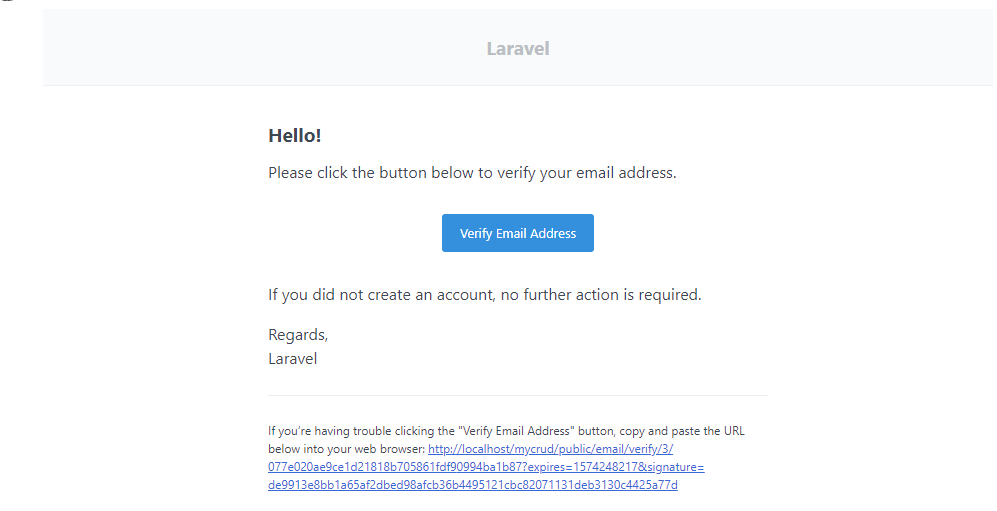
If you decided to use the built-in Laravel email verification you probably noticed that the email containing the verification link is prebuilt inside the framework. What if you want to queue it?When you add the Illuminate\Contracts\Auth\MustVerifyEmail interface to the User model it will bring a couple of methods to manage email verification:
namespace Illuminate\Contracts\Auth;

interface MustVerifyEmail
{
    /**
     * Determine if the user has verified their email address.
     *
     * @return bool
     */
    public function hasVerifiedEmail();

    /**
     * Mark the given user's email as verified.
     *
     * @return bool
     */
    public function markEmailAsVerified();

    /**
     * Send the email verification notification.
     *
     * @return void
     */
    public function sendEmailVerificationNotification();

    /**
     * Get the email address that should be used for verification.
     *
     * @return string
     */
    public function getEmailForVerification();
}
Laravel gets the instance of the Mail class to use calling the method: sendEmailVerificationNotification()
The default implementation of this method is in the MustVerifyEmail trait:
namespace Illuminate\Auth;

use Illuminate\Auth\Notifications\VerifyEmail;

trait MustVerifyEmail
{
    // ...

    /**
     * Send the email verification notification.
     *
     * @return void
     */
    public function sendEmailVerificationNotification()
    {
        $this->notify(new VerifyEmail);
    }

    // ...
}
Finally we have found the Illuminate\Auth\Notifications\VerifyEmail class used by the framework to notify the verification link to the user.
namespace Illuminate\Auth\Notifications;

class VerifyEmail extends Notification
{
	// ...
}
If you want to learn more on Laravel email verification system, you can take a look at the article below:
For more technical articles you can follow me on Linkedin or X.
Queue email verification
As you can see from the snippet above it is a standard notification, so it will be sent synchronously during the HTTP requests of the registration process.
Queuing this email is important to avoid the registration process being slow, or even breaks for an error communicating with the mailing system.
We can create a custom email on our project that extends this original notification class adding the queue properties:
namespace App\Mails;

use Illuminate\Auth\Notifications\VerifyEmail;
use Illuminate\Auth\Notifications\VerifyEmail;
use Illuminate\Contracts\Queue\ShouldQueue;
use Illuminate\Foundation\Queue\Queueable;

class QueuedVerifyEmail extends VerifyEmail implements ShouldQueue
{
    use Queueable;
}
Now you must override the method on the User model to notify using this custom queueable notifications:
namespace App\Models;

use App\Domains\Organization\Notifications\QueuedVerifyEmail;
use Illuminate\Contracts\Auth\MustVerifyEmail;
use Illuminate\Foundation\Auth\User as Authenticatable;

class User extends Authenticatable implements MustVerifyEmail
{
	// ...

	public function sendEmailVerificationNotification()
    {
        $this->notify(new QueuedVerifyEmail());
    }

	// ...
}
For more technical articles you can follow me on Linkedin or X.
Monitor your Laravel application for free
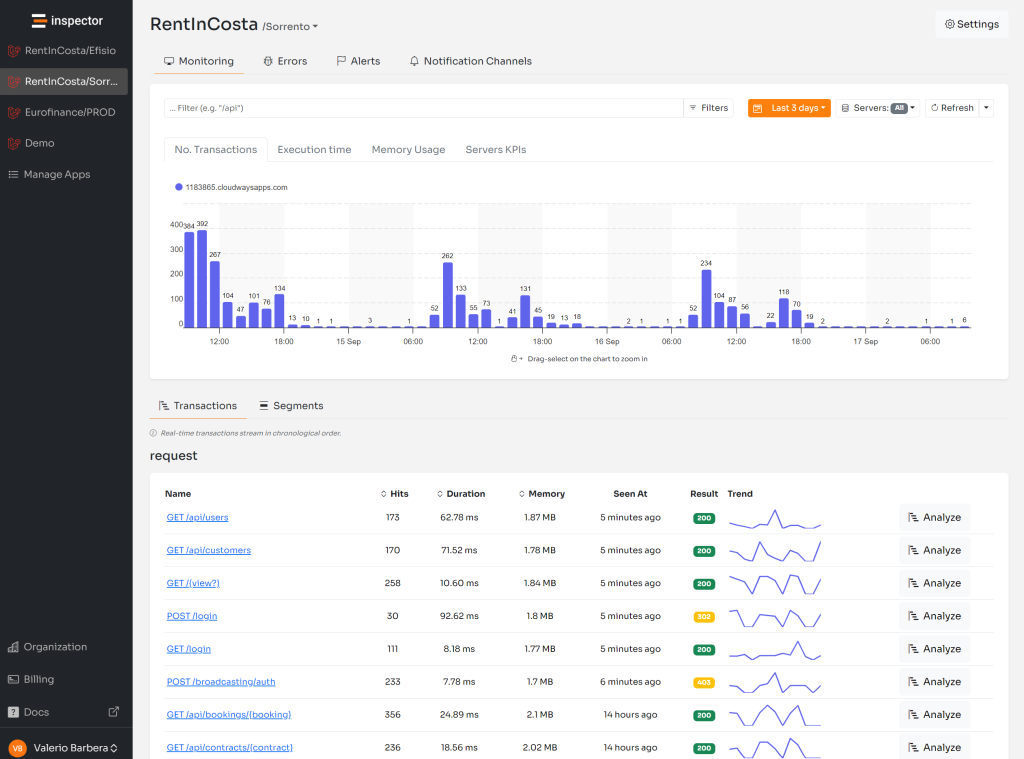
Inspector is a Code Execution Monitoring tool specifically designed for software developers. You don’t need to install anything on the infrastructure, just install the Laravel package and you are ready to go.
If you are looking for HTTP monitoring, database query insights, and the ability to forward alerts and notifications into your preferred messaging environment try Inspector for free. Register your account.
Or learn more on the website: https://inspector.dev